The hardest moment with any workspace tool is the first hour. You sign up, you face an empty screen, and you have to decide how your company should be organized before you have even invited anyone. Most teams either copy a structure that does not fit, or skip the structure altogether and pay for it later in permissions nobody understands.
SweetHive takes a different approach. Instead of an empty workspace, you get Aristeo, SweetHive's consultant agent, who designs and builds the structure with you, one approved step at a time. This guide shows how a session goes and how to get the most out of it.
Why structure comes first
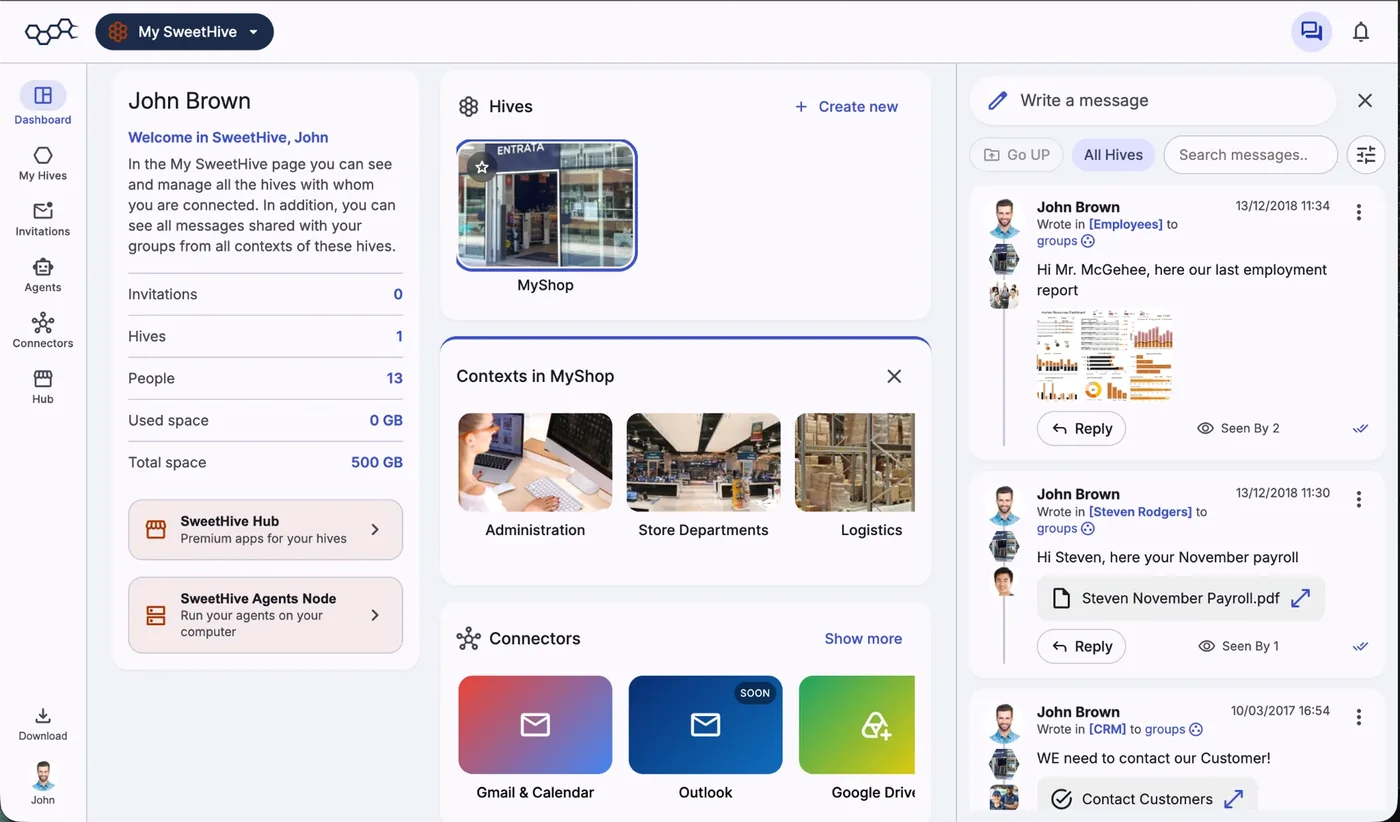
In SweetHive, your organization is a hive. Inside it, work is organized into contexts: departments, projects, clients, nested like a tree. Groups decide who sees each context. That structure is not just tidiness. It decides what every person can see, and therefore what every AI agent can see, because an agent never knows more than the person it works for.
Getting the structure right early is the single best investment you can make in a safe, useful workspace. That is exactly the job Aristeo was built for.
Starting a session
When you create a hive, choose the consultant agent path. Aristeo runs as an agent with admin capability, so you need to be an admin of the hive, and it acts as you, only where you are an admin. It works through the same SweetHive Agents Node that runs your other agents.
Then describe your organization in plain words. A sentence is enough to begin:
"I run a small architecture studio: three partners, four architects, an office manager. We work on about six projects at a time with clients and external engineers."
Aristeo will ask a couple of questions about your teams, your clients and your projects before proposing anything.
The proposal
Based on your answers and on ready-made templates, Aristeo proposes a structure. For the studio above, a typical proposal looks like this:
- An internal context for partners and staff, for the life of the studio.
- One context per project, each with a Client group and a Suppliers group that see only that project.
- Groups by audience, such as Staff, Clients, Suppliers and Board, each activated only where access should reach.
This is the moment to push back. Ask why a group exists, merge contexts that feel redundant, rename things to the words your team actually uses. The proposal is a draft, not a decision.
Building, one step at a time
Once you agree, Aristeo builds the structure step by step: contexts first, then groups, then activating each group where it belongs. You approve every step. It can also post a welcome message in each new context, explaining what the space is for, which helps the first people who arrive and gives their agents a clean starting point.
Inviting people, carefully
Next, Aristeo offers to invite your people and place each one in the right group. It always asks before inviting anyone, and only after you confirm exactly who goes where. Two practical notes:
- Members and guests are different. Your team joins as members. Clients and external engineers can join as guests: free, limited to what is shared with their group, and never counted as members.
- Start narrow. It is easier to add someone to a group later than to discover they have been seeing a context they should not.
Keeping the hive healthy as you grow
Aristeo is not only for day one. Organizations change, and the structure has to follow. Typical requests later on:
- "Add a context for the new library project, with its own client group."
- "Create a group for the structural engineer and activate it on the Harbour project only."
- "Set up the new client the same way as our other client projects."
- "Invite our two new architects to the Staff group."
Each change is proposed, explained and applied only after your approval. Asking Aristeo to reuse a structure you already like is particularly useful for agencies and studios that open new projects often: every new client context starts with the same clean boundaries. Some changes, such as removing someone from a group, are still yours to make by hand in the context settings.
What Aristeo does not do
It helps to know the edges. Aristeo builds the structure: contexts, groups, where each group is active, and invitations. It does not install apps for you; you add those from the Apps panel of each context, where they inherit the context's boundary. It does not act in hives where you are not an admin. And it never invites people or posts without asking first.
Tips for a good first session
- Bring a list. Your teams, your current projects or clients, and any external partners.
- Think in audiences, not in folders. The useful question is "who should see this?", not "where should this go?".
- Keep the first version small. Three to six contexts are enough to start working. Add more when real work asks for them.
- Invite one or two people first. Let them work for a few days, then invite the rest.
- Come back when things change. A new project, client or hire is a good moment to ask Aristeo to extend the structure.
A small team does not need an IT department to get permissions right. It needs a clear structure and a patient consultant who builds it with you. Few, but mighty starts with a hive that fits.
Let Aristeo build your hive. Start the 14-day free trial of SweetHive, describe your organization in a sentence, and approve the structure step by step.